Simple way to modify Exim port in WHM.
To modify exim port used by Exim on your VPS, you’ll need to adjust the configuration file. Here’s a step-by-step guide:
For Email services Exim is an open source mail transfer agent (MTA), which is a program responsible for receiving, routing, and delivering e-mail messages.
Exim can be run on any TCP/IP network, in conjunction with any combination of host and user software, and is the default MTA included on some Linux systems.
Modify Exim port in VPS /Dedicated server
In VPS hosting and Dedicated Server have the ability to modify exim port using WHM.
Many ISPs (Internet Service Providers) block port 25. It is a great advantage to have an alternate port that is available to use to avoid interruption in sending out emails.
For example, to set the port 26 (465 or 587) to be available for usage:
1.Log in to WHM.

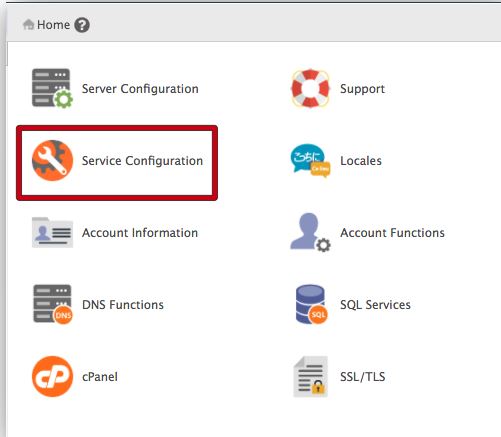
2. Click on Service Configuration.
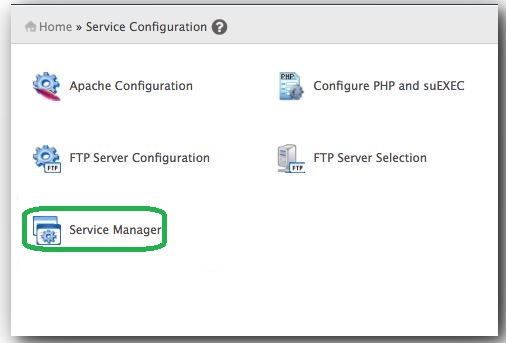
3. Click on Service Manager.
4.Under exim, enable the SMTP Server.
5.Under exim on another port, make sure the port is set to 26.

6.Click Save.
Thats it the exim port has been changed now.
I believe above post will help you to change or modify exim port in whm. Further to know about Remove a MYSQL user on linux via ssh click here.


